Knowledge Base
Part of AI support tools
Recording corrections to an AI-assisted answer
A correction should improve the next support interaction, not disappear as a one-off ticket note.
A fix in the moment isn't a fix that lasts
When an AI-assisted answer comes back wrong, the quickest response is to edit the draft and send the corrected version. That fixes the one customer in front of you, and nothing else.
The next customer asking the same question gets a fresh answer assembled from the same underlying content. The same error reappears in slightly different wording.
Recording the correction changes that. It turns a one-off edit into a durable change to whatever the assistant draws on, so the mistake stops recurring instead of being patched each time it surfaces.
Tracing an answer back to its source
A generated answer isn't written from scratch. Knowledge sources are the information an AI agent uses to create AI-generated answers, and connecting at least one source is required for the agent to produce one at all.
Sources fall into two broad types: the help centre associated with your account or brand, and external content brought in through a web crawler or a knowledge connector. The same agent can draw on several sources at once.
Agent-side suggestions add a third layer. Procedures, help centre articles and similar solved tickets all generate replies, with procedures positioned as the primary source.
So the first task in recording a correction is identifying which source produced the wording. A correction record that doesn't name the origin can't be acted on.
What a correction record needs to hold
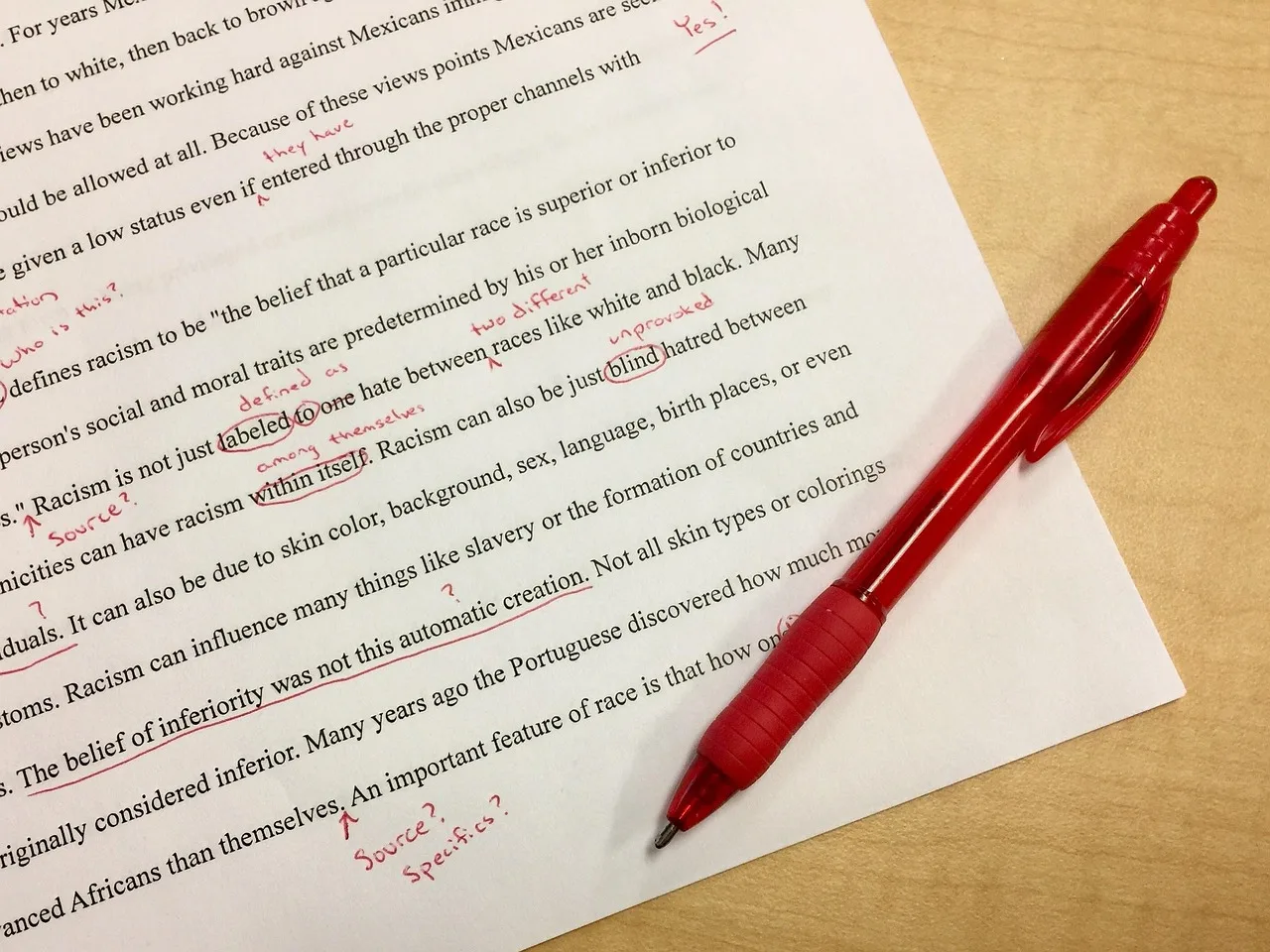
Capture the original AI-generated text alongside the corrected version. Storing both lets reviewers see the exact wording that failed, not a paraphrase.
Name the source or procedure at fault and the customer context that triggered the problem — the question asked, the account type, the product or state involved.
Add the reason for the change, who made it and when. The reason distinguishes a genuine fix from a stylistic preference, and it is the part most often left out.
These fields line up with governance expectations increasingly applied to service AI: role-based access, audit logs of every action, versioned knowledge sources and document lineage. A correction without that trail can't be audited or rolled back.
Key governance requirements for AI-assisted answer corrections
- Audit Trail Required
- Yes – includes who made the change, when, and why
- Role-Based Access Control
- Enforced for corrections and approvals
- Versioned Knowledge Sources
- Maintained to track changes over time
- Document Lineage Tracked
- Full history of source origins and edits
Who signs off before the correction takes effect
Corrections to AI-assisted answers should be reviewed and approved before they take effect. A named person is then accountable for what the assistant goes on to say.
This fits an existing habit rather than inventing a new one. Auto assist suggestions appear in the ticket interface in place of the composer and require agent approval before being sent, and agents remain in control of the replies they send.
Treat a correction the same way: one approver, recorded by name, with the date the change was cleared. An edit published silently is an edit nobody owns.
Making the correction stick across sources
Fixing the individual reply and fixing the store of record are different jobs. The reply is gone once it's sent; the article, procedure or connected source is what the next answer is built from.
Refresh behaviour differs by source type. When an AI agent searches a connected help centre, it searches the content current at the time of the search. When it searches an external source, it searches the information available as of the last sync, which usually happens every 24 hours.
A correction made to an external source won't show up in new answers straight away. Record when the change is expected to be live, and check the next few generated answers against it.
Corrections and restricted content
Where restricted help centre content is in use, AI agent responses respect article view permissions. An authenticated customer can receive an answer generated from relevant restricted articles; an unauthenticated customer can only be answered from public articles.
The same correction can therefore land differently depending on who is asking. Note in the record whether the fix applies to the public version, the restricted version, or both, and update each one separately.
Where a fault sits in a restricted article only, the public answer may look correct while the signed-in experience stays wrong. Updating the public copy alone won't close the ticket.
Reviewing the log, not just the fix
A single correction tells you one answer was wrong. Corrections read together show which source keeps producing wrong answers, and that is the more useful signal.
Look for the same failure mode appearing against the same article or procedure. Repeated corrections against one procedure are a prompt to rewrite it rather than keep patching the outputs it generates.
The log also gives you a retest set. After changing a source, run the questions that previously failed and confirm the new answers match the corrected version before relying on it.
A short checklist for recording corrections
Capture the original AI-generated text and the corrected version. Name the source or procedure at fault — internally or externally connected. Note the customer context that triggered the error.
Record the reason for the change, the person who approved it and the date. Update the store of record itself, not just the reply that went out.
Note when the change is expected to be live, allowing for sync timing on external sources. Record whether the fix covers the public version, restricted content or both.
Revisit the accumulated log on a regular rhythm to spot recurring failure modes and to decide which procedures need rewriting.